


UV Flatbed Printer 24" × 36 Industrial Digital UV Printer for Acrylic, Wood, Glass, Metal & Plastic
UV Flatbed Printer 24" × 36 Industrial Digital UV Printer for Acrylic, Wood, Glass, Metal & Plastic
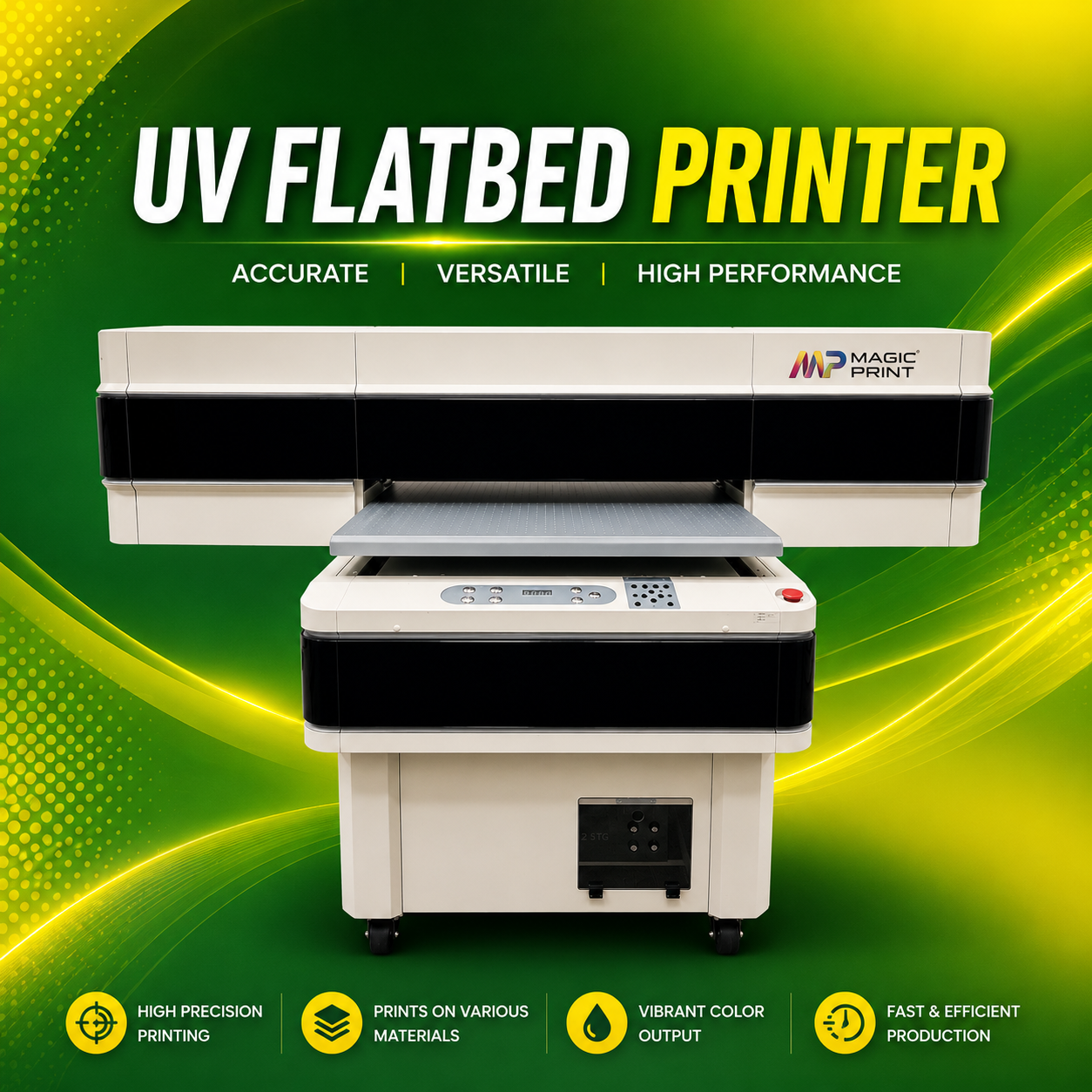
Print directly on acrylic, wood, glass, metal, ceramic, PVC, plastic, leather, phone cases, signs, promotional products, and more with the Magic Print UV Flatbed Printer. Featuring a 24" × 36" (600 × 900 mm) printing area, high-resolution CMYK + White + Varnish UV printing, this industrial printer produces vibrant, waterproof, scratch-resistant prints with exceptional speed and accuracy ideal for sign shops, custom gifts, awards, décor, and commercial production.
Couldn't load pickup availability


What to Expect After Placing an Order
-
1. Order Confirmation
Immediately after placing your order, you’ll receive a confirmation email that contains your order details, including your order number, itemized summary, and estimated delivery date. If you don’t see this email, please check your spam or junk folder, or reach out to our support team for assistance.
-
2. Processing Time
Our team works diligently to process your order promptly, typically within 1-2 business days. During peak periods or holidays, processing times may be slightly extended, but we’ll always keep you informed of any changes to ensure transparency.
-
3. Order Tracking
Once your order has been prepared and shipped, we’ll send you a tracking number via email. This number allows you to monitor the progress of your shipment from our warehouse to your location.
-
4. Customer Support Availability
Our customer support team is always ready to assist you with any questions or concerns you may have about your order. We are committed to responding quickly and ensuring you have a great experience. Contact us at support@magicprint4u.com
Printing Best Practices for DTF (Direct-to-Film)
Choosing the Right Materials
Select high-quality fabrics that are compatible with DTF printing, such as cotton, polyester, and cotton-poly blends. Ensure the fabric is clean and free of any treatments or finishes that could interfere with print adhesion.
Application Guidelines
For optimal results, align the transfer film carefully on your fabric before pressing. Secure it in place to prevent shifting during the pressing process, which could cause imperfections.
Pre-Press Tips
Always pre-press your fabric for a few seconds to remove any moisture and wrinkles. This step ensures a smooth, flat surface for better adhesion and minimizes potential print flaws.
Heat Settings and Pressure
Set your heat press to the appropriate temperature and pressure for DTF printing, typically [insert temperature range, e.g., 310-325°F] for [insert recommended time, e.g., 10-15 seconds]. Be sure to check and adjust the pressure so that it is medium to firm for even transfer.
Cooling Period
Allow the fabric to cool down before peeling off the transfer film. This “cold peel” method helps achieve a clean, smooth finish with no smudging or lifting of the design.
Common Mistakes to Avoid
Overheating or Underheating: Ensure your heat press temperature is consistent to prevent burning or poor adhesion.
Using Too Much Pressure: Too much pressure can cause the transfer to bleed or shift. Adjust the settings to a medium-firm level.
Peeling Too Early: Always let the print cool before peeling, as peeling while hot can distort the design.